Graphical Current Analyzer With Adjustable Voltage Source 2.0
by electronstogo in Circuits > Electronics
17267 Views, 28 Favorites, 0 Comments
Graphical Current Analyzer With Adjustable Voltage Source 2.0


A while ago, I designed this device. I then built a new and improved version that is cheaper, smaller, and simpler.
The ZK-4KX, with its display of current and voltage in the old version, is actually a redundant component. Current and voltage are already shown in the display above the diagram, so it is sufficient to use a DC-DC step-up/down voltage converter without own display. This also eliminates the need for the additional step-up converter that was necessary because the ZK-4KX module switches off immediately as soon as its input voltage falls slightly below 5V.
Supplies

- 3.5inch display with Raspberry Pico connection (link)
- Raspberry Pico (link)
- Sensor INA219 (link)
- DC-DC step-up/down voltage converter XL6019 (link)
- Potentiometer (link)
- Switch (link)
- Push button (link)
- Connectors (link)
- USB port (link)
- Diode (e.g. 1N4001)
- Wires
Tools
- Soldering iron
- 3D printer
- Electronics pliers
- Screwdriver
- Hot glue gun
Characteristics
- Supply: USB C
- Output Voltage: 1.2V - 35V
- Max. Current: 1.5A
- The device is switched on using the left switch.
- To perform a reset, briefly press and hold the button on the right.
- The output voltage is set using the potentiometer at the bottom right.
- The load is connected to the terminals at the bottom left.
Printing


The housing is now considerably smaller and the recess for the ZK-4KX module is missing.
Assembly and Wiring


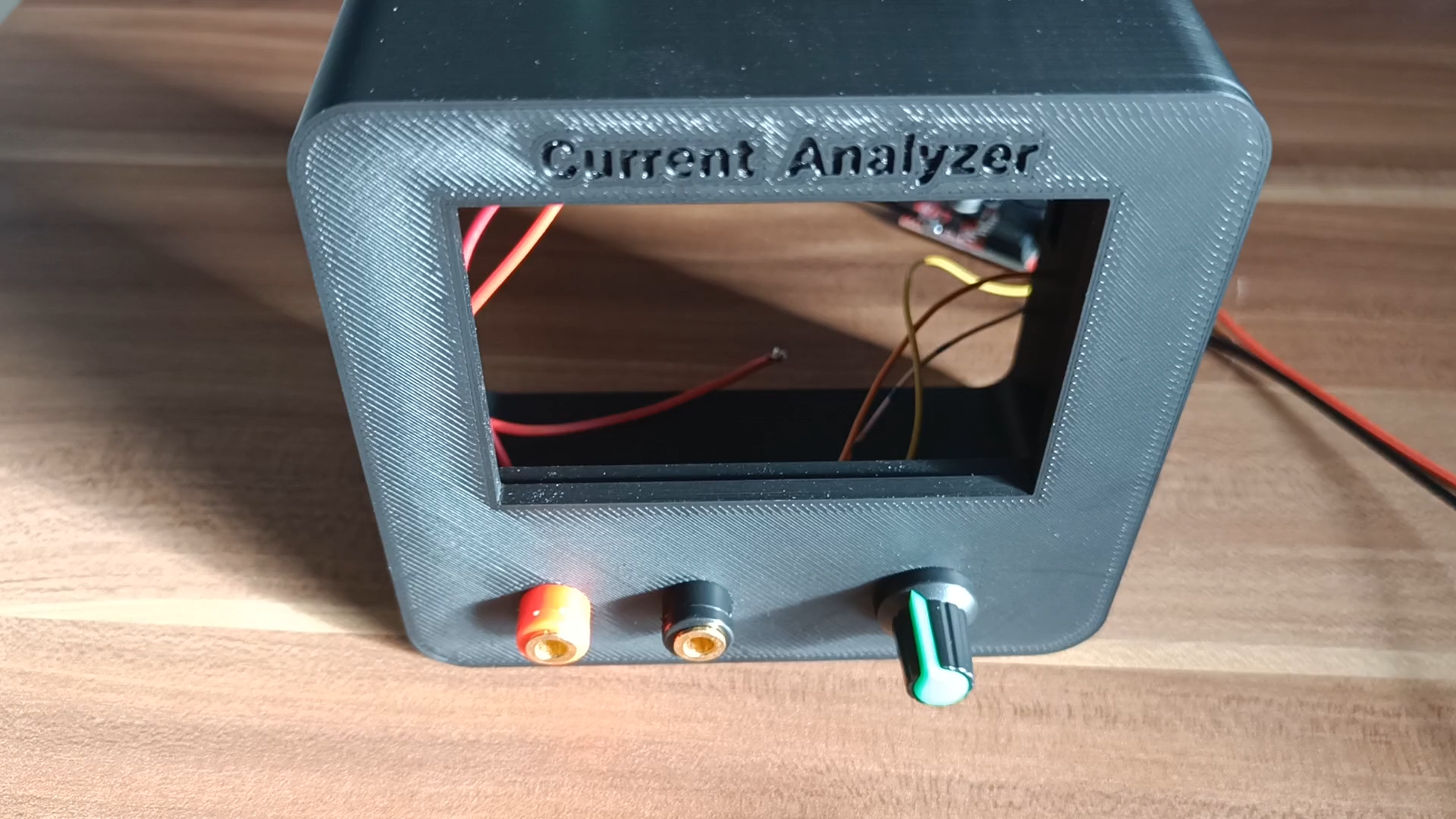


The DC-DC step-up/down voltage converter module used is normally adjusted via a potentiometer on the circuit board. I removed this potentiometer and measured the range it covers. I then soldered on a potentiometer with the same value (10K ohms) that can be installed in the housing.
Software
Source code: github
For display control the TFT_eSPI lib is used, for the use of the mentioned display, uncomment the following line in "User_Setup_selection.h" in the TFT_eSPI library folder:
"#include <User_Setups/Setup60_RP2040_ILI9341.h> // Setup file for RP2040 with SPI ILI9341"