Easy Desktop Item Holder Made With TinkerCAD
by I-have-an-idea in Workshop > 3D Printing
741 Views, 3 Favorites, 0 Comments
Easy Desktop Item Holder Made With TinkerCAD

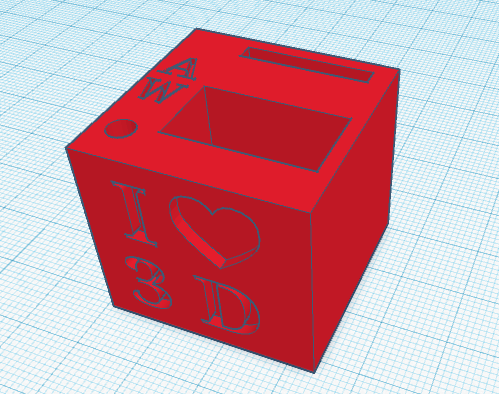
In this project, you will learn how to design a desktop item holder using TinkerCAD.
The one shown in the picture holds tools for my 3D printer.
Supplies
Make the Basic Shape

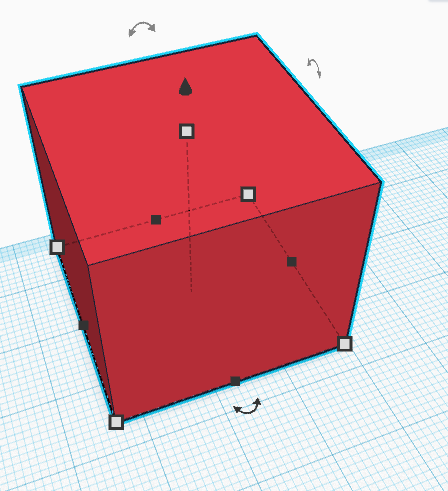

Get a box from the shape menu and make it the size you want
Add Holes
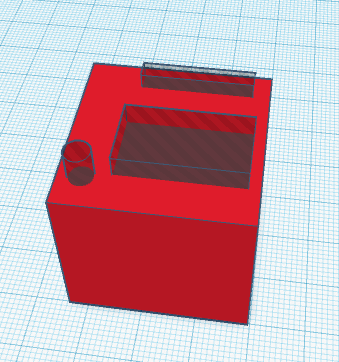
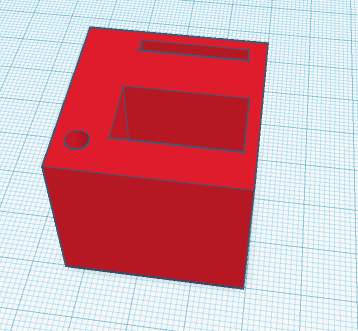
Add holes for the items
Customize
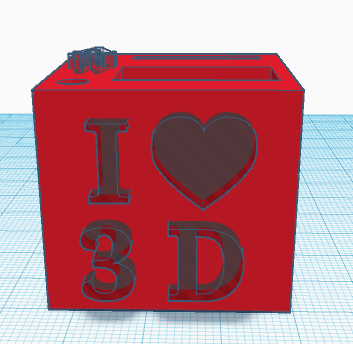
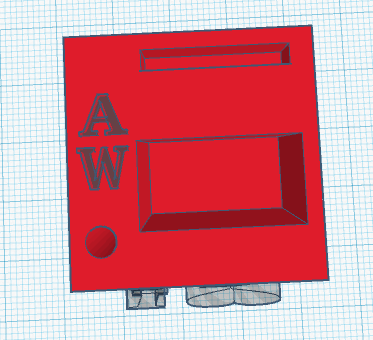
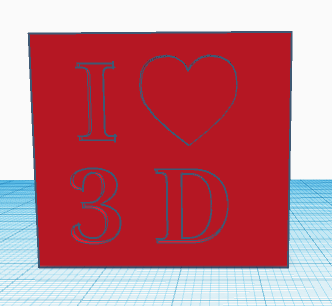
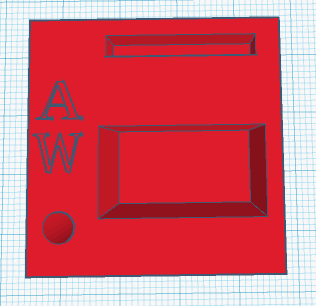
Add your initials, name, or other details to the top and sides
View in 3D
Here is an example to look at in 3D.
Print!
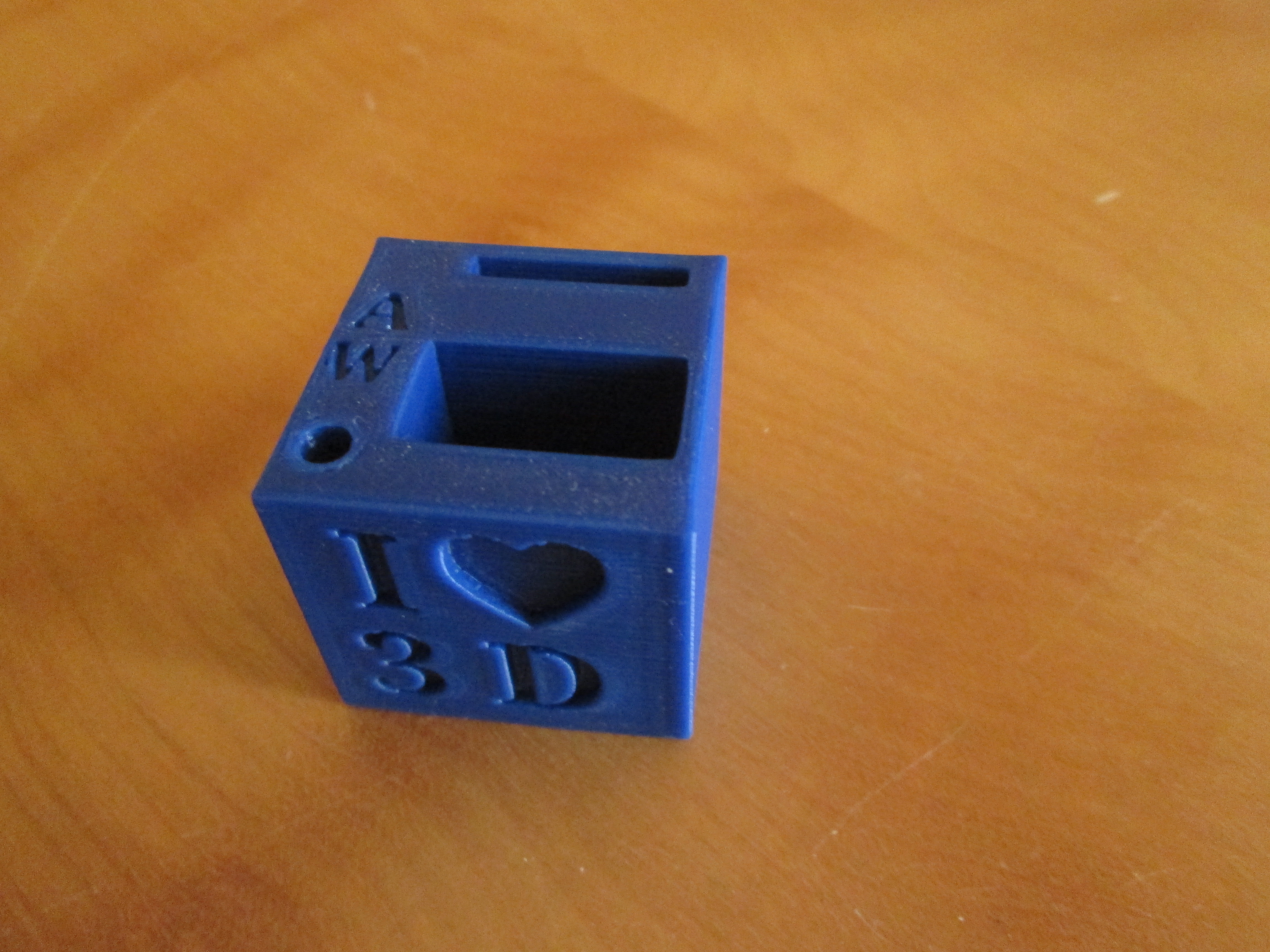
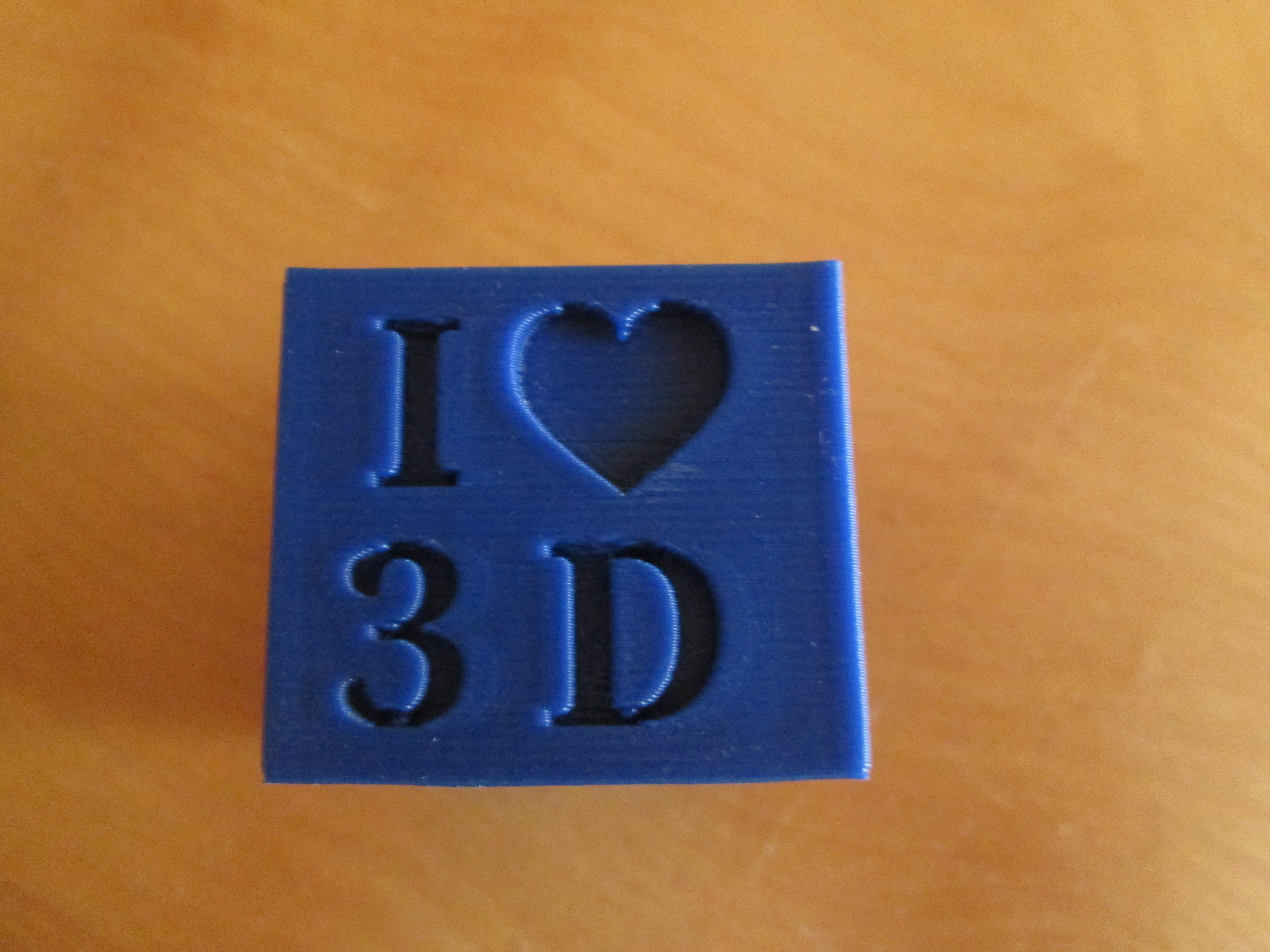
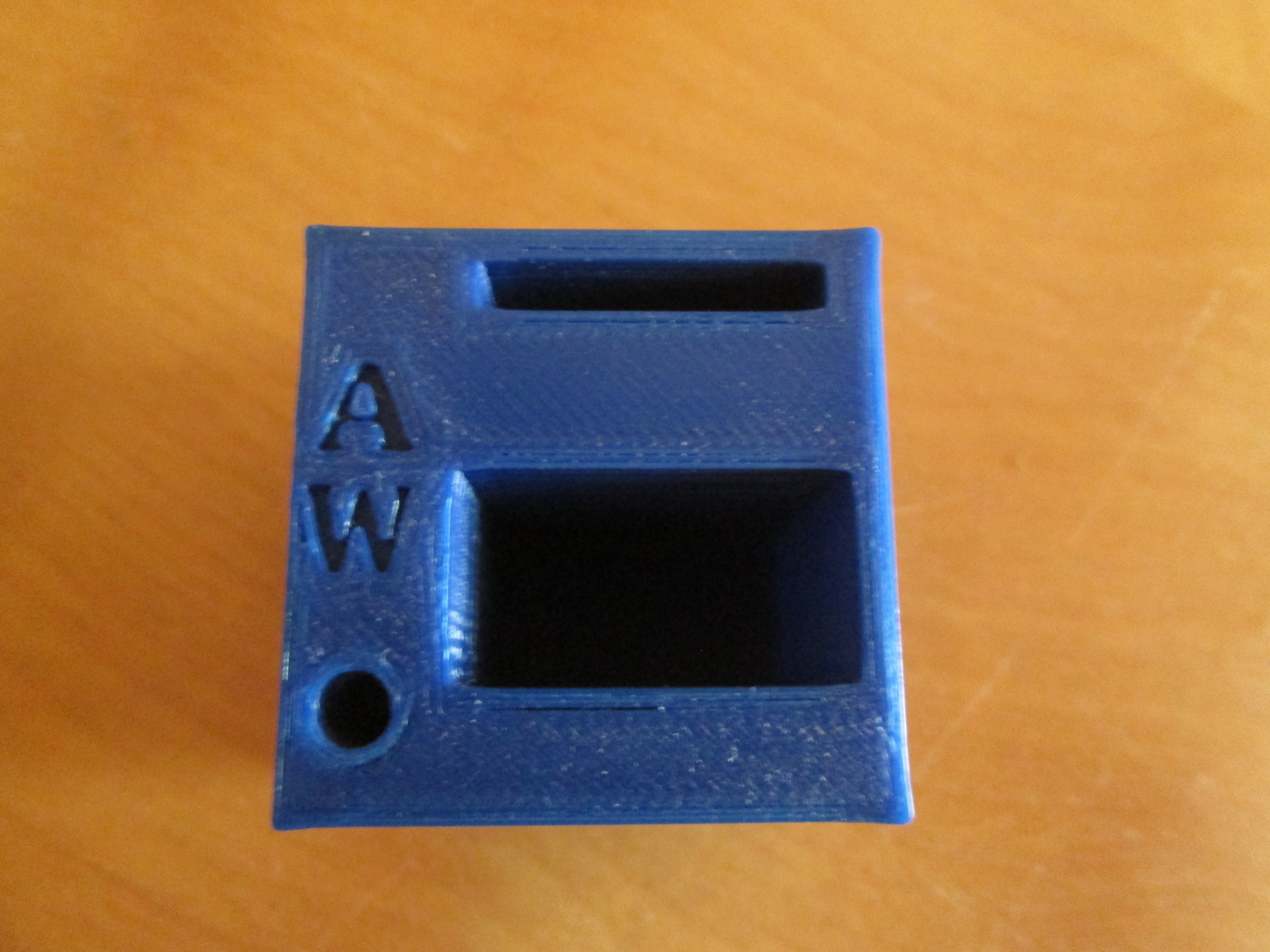
3D print your finished model
Fill!
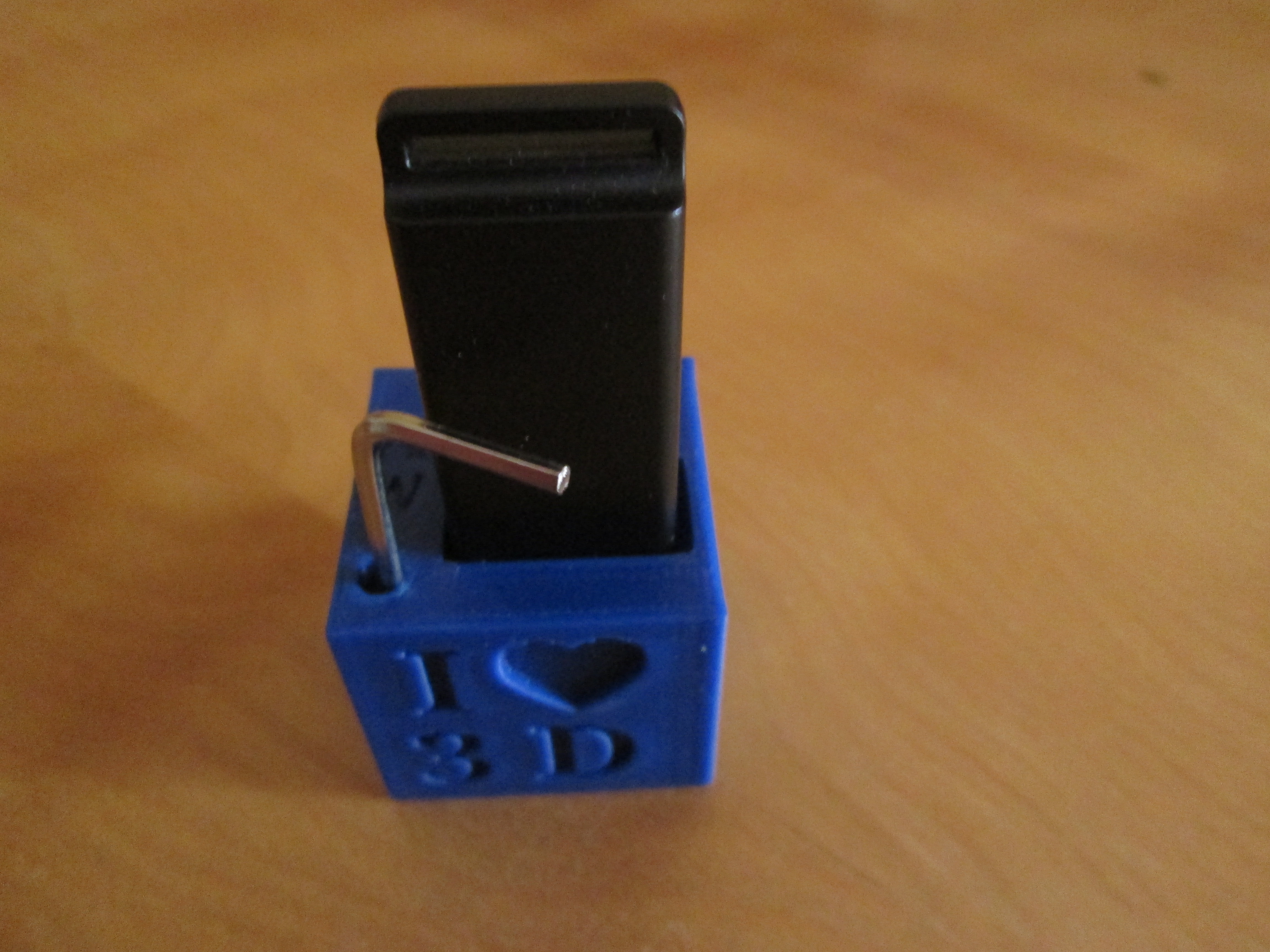
Put items in your item holder and proudly display somewhere.